Introduction: Integrating Jeeva AI with Salesforce
Sales teams across the US, UK, and Canada rely heavily on Salesforce for day-to-day operations. But as outbound automation, AI enrichment, and multi-channel outreach become essential, integrating Salesforce with Jeeva AI unlocks far more efficiency. This integration helps teams automate prospecting, update CRM fields instantly, run multi-agent workflows, and qualify leads faster without manual work.
This guide shows you exactly how to integrate Jeeva AI with Salesforce safely, quickly, and in a way that supports enterprise-grade sales operations.
Why Integrate Jeeva AI with Salesforce?
Integrating Jeeva AI allows your agents - Prospector, Enrichment, Engagement, and Calendar to update Salesforce automatically. This saves hours of manual data entry, reduces errors, and keeps CRM data fresh for real-time decision-making.
Fact: Teams integrating AI automation into Salesforce see 35–60% faster lead qualification.
Core Benefits for Sales Teams
You get operational efficiency across the funnel.
Instant CRM updates
Better data accuracy
Automated lead qualification
No manual task switching
Real-time enrichment
AI-driven follow-up workflows
This foundation drives more predictable outbound performance.
Related reading:
👉 Multi-Channel Sales Automation with Agentic AI
👉 Lead Enrichment & Agentic AI
What Do You Need Before Starting the Integration?
Before connecting Jeeva AI to Salesforce, teams must prepare access, permissions, and clean CRM configurations to ensure smooth workflow activation.
Fact: 40% of integration failures come from missing Salesforce admin permissions.
Pre-Integration Checklist
Make sure these items are ready.
Salesforce admin access
Valid Jeeva AI workspace
API permissions enabled
Clean lead/contact fields
OAuth or API login credentials
Defined data sync rules
Preparation ensures a clean, error-free setup.
Salesforce Permissions Required
Permission | Needed? | Purpose |
|---|---|---|
API Access | ✔ | Allows Jeeva to read/write data |
Modify All Data | ✔ | Updates lead/contact records |
View Setup | ✔ | Enables configuration mapping |
Edit Objects | ✔ | Required for enrichment fields |
Manage Integrations | Recommended | For admin oversight |
How to Connect Jeeva AI to Salesforce (Step-by-Step)?
The integration process is simple and designed for non-technical users. Jeeva AI connects to Salesforce securely using OAuth, ensuring your CRM data stays protected.
Step-by-Step Instructions
Follow these steps to connect successfully.
Log into your Jeeva AI workspace
Go to Integrations → Salesforce
Select Connect with OAuth
Approve data permissions in Salesforce
Choose sync direction: one-way or two-way
Map lead, contact, and account fields
Once completed, Jeeva AI agents automatically sync updates.
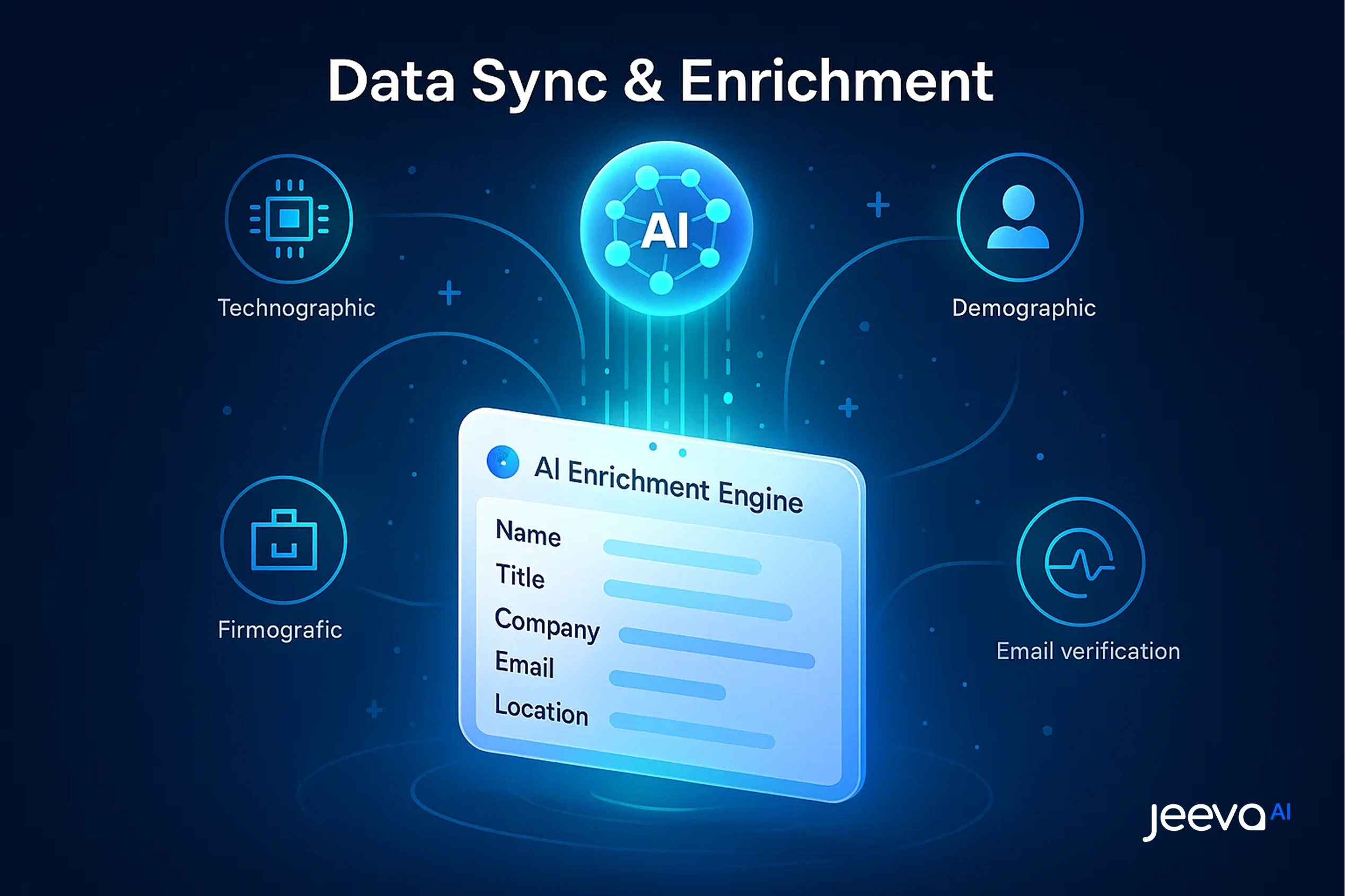
How Does Jeeva AI Sync Lead & Contact Data with Salesforce?
Jeeva AI sends enriched lead details, verified contact information, ICP scoring, and activity logs into Salesforce. This keeps reps fully updated without manual data entry.
Fact: AI-enriched leads show 2.5× higher engagement rates in outbound campaigns.
What Data Gets Synced?
Here’s what Jeeva AI sends into Salesforce.
Contact info (validated)
Company information
Enrichment fields (firmographic & technographic)
Engagement scores
ICP match percentage
Activity history from outreach
This allows Salesforce to remain your “source of truth.”
How Do Jeeva AI Agents Use Salesforce Data to Improve Accuracy?
Salesforce provides key account insights - roles, past interactions, industries which Jeeva AI uses to personalize outreach and scoring. The integration boosts message accuracy.
Fact: Personalized emails using CRM intelligence increase reply rates by 34%.
How AI Agents Use CRM Insights
AI workflows improve with cleaner Salesforce data.
Prospector finds better-matching leads
Enrichment agent fills missing fields
Writer agent personalizes emails
Outreach agent triggers follow-ups
Calendar agent books meetings
Smart Inbox routes replies
Clean CRM data = better agent intelligence.
Jeeva AI Agents vs Salesforce Data Usage
Jeeva Agent | Uses Salesforce Data For | Output |
|---|---|---|
Prospector | ICP filters | New lead lists |
Enrichment | Missing fields | Updated CRM records |
Writer | Personas & history | Personalized messages |
Outreach | Contact stage | Automated sequences |
Calendar | Availability | Booked meetings |
How Do You Map Fields Between Jeeva AI & Salesforce?
Field mapping ensures that when Jeeva AI updates a lead, the correct Salesforce field receives the data. Proper mapping prevents duplicates or overwriting important info.
Best Practices for Field Mapping
Use these rules for smooth sync.
Map enrichment fields to custom fields
Avoid overwriting rep-entered notes
Sync engagement fields separately
Use drop-down fields for ICP scoring
Add technographic fields manually
Map multi-channel activity logs
Good mapping keeps your CRM clean.
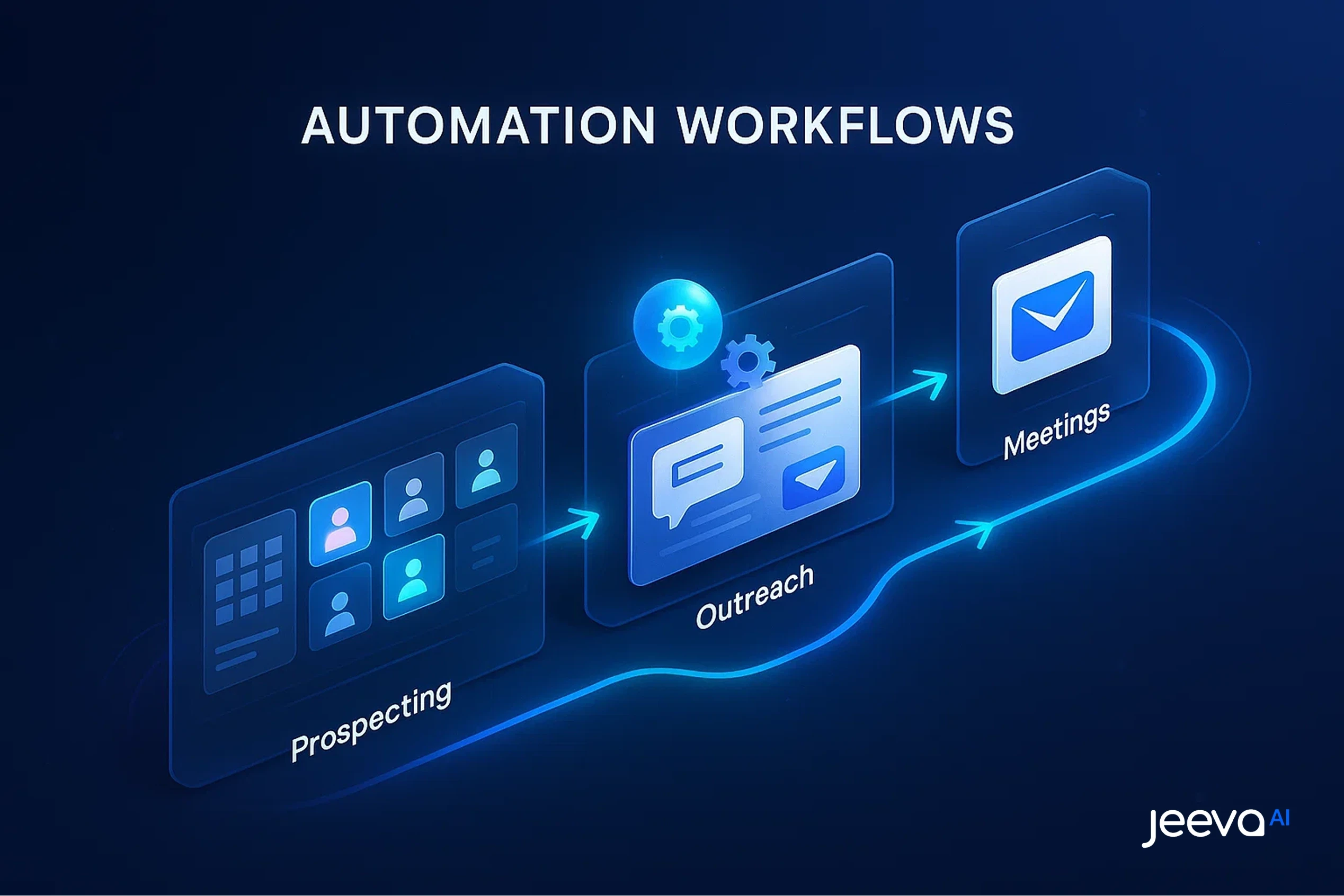
What Automation Workflows Become Possible After Integration?
Once connected, multi-agent workflows can run end-to-end inside Salesforce—saving hours daily and improving pipeline quality.
Fact: Integrated workflows free 1–3 hours per rep.
Automated Workflows You Can Activate
These workflows improve speed and efficiency.
Auto-create new ICP-matched leads
Auto-enrich missing data
Auto-send sequences based on lead stage
Auto-assign leads to reps
Auto-log outreach activity
Auto-trigger follow-up tasks
This reduces repetitive work for the entire sales team.
How Does the Integration Improve Sales Forecasting & Reporting?
With clean data coming in automatically, forecasting accuracy improves. Managers see clearer patterns in activity, conversions, and pipeline health.
Fact: Better data hygiene boosts forecasting accuracy by up to 45%.
Reporting Benefits
Teams gain more clarity with:
Accurate activity logs
Real-time engagement scores
ICP qualification data
Response timelines
Sequence performance
Meeting conversion signals
This strengthens revenue planning and sales ops strategy.
Before & After Integrating Jeeva AI With Salesforce
Metric | Before | After |
|---|---|---|
Lead Data Accuracy | 60–70% | 90–98% |
Manual Data Entry | High | Near Zero |
Reply Rate | 3–5% | 8–12% |
Rep Productivity | Low | +2 hours/day |
Meeting Rate | Moderate | +35–50% |
How Does Jeeva AI Maintain Compliance in Salesforce Environments?
The integration follows CCPA/GDPR/PIPEDA standards, ensuring data is processed safely and transparently. Access is always permissioned and logged.
Fact: Compliance-ready systems see less than 0.1% spam complaints.
Related compliance guide: CCPA & US Privacy Laws
Compliance Safeguards
Jeeva AI uses enterprise-level controls.
Audit logs for all agent actions
Permission-based access
Encryption for all synced data
Region-specific data handling
Consent-aware outreach
Automatic deletion workflows
This helps enterprise teams stay audit-ready.
Why Jeeva AI Is the Best Salesforce Automation Partner
Jeeva AI’s multi-agent system integrates deeply into Salesforce, enabling near-autonomous outbound operations. It’s built for enterprise teams who want speed, accuracy, and compliance without complexity.
Fact: Jeeva AI users report 50–70% reduction in manual sales work.
What Makes Jeeva AI the Best Choice
Here’s why enterprise teams prefer Jeeva.
Instant CRM enrichment
Better data quality
True multi-agent automation
Personalized messaging at scale
Full activity logging
Fast, error-free workflows
Teams get more meetings, more pipeline, and cleaner Salesforce data.
Conclusion
Integrating Jeeva AI with Salesforce unlocks a more efficient, automated, and data-rich sales operation. By combining AI-driven enrichment, multi-channel outreach, and real-time updates with Salesforce’s CRM backbone, teams save time, reduce errors, and accelerate revenue operations across the US, UK, and Canada.
Jeeva AI becomes the always-on sales assistant that ensures your pipeline stays full and your CRM stays accurate without manual effort.
FAQ
Does Jeeva AI require a special Salesforce plan?
How long does the integration take?
Can Jeeva AI overwrite Salesforce data?
Does Jeeva AI log activities inside Salesforce?
Is the integration secure for US/UK/CA teams?